- Views: 986
- Replies: 26
mzFootprint Indicator
Quick OverviewMZpack Indicators are a set of tools and indicators designed for order flow analysis and trading. These indicators are specifically developed for use with the NinjaTrader platform, providing traders with insights into market dynamics, order flow, and potential trading opportunities.
Features
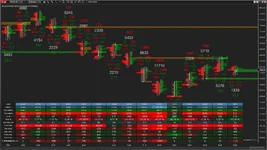
- Two-sided Footprint – independent Left and Right Footprints for each bar
- Footprint styles: Bid x Ask, Volume, Delta, TradesNumber
- Optional Tape Reconstruction (aggregation of order flow)
- Filters: Trade/Reconstructed trade volume filter (min/max) and Display filter
- Bar Statistics: Volume, Delta, Min/Max Delta, Delta %, COT (read about COT)
- Patterns search: Imbalance and Absorption with quantity filters, Unfinished Auction
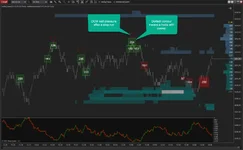
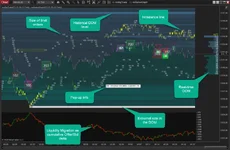
- Automatic Support/Resistance Zones based on Imbalance and Absorption patterns with Alerts
mzVolumeProfile
Features
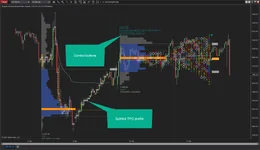
- Volume Profile with Delta over
- TPO or Market Profile with naked/extended levels: Open/Close, High/Low/Mid/Halfback, IB High/Low, TPO POC/VAH/VAL attached to all or selected profiles
- Profiles modes: Custom (any range), periodic profiles – ETH+RTH, Session, Daily, Weekly, Monthly, Quarterly, Yearly, Bars (each N bars), Tick (each N ticks). Composite, and Continuous profiles
- Dividing, Merging, Unmerging of profiles. Splitting TPO
How to install?
- Install the Mzpack setup
- Copy the DLL file into:
Documents\NinjaTrader 8\bin\Custom how to paste?


Attachments