- Views: 465
- Replies: 36
Gain unparalleled insights into your market performance, identify winning strategies, and optimize your trading decisions. Stop guessing and start dominating with data-driven precision.
High-frequency trading is fast-paced and demanding. Every millisecond counts. Track your trades, specify a time period, analyze market patterns, and make data-driven adjustments with ease. Overcome the complexities of HFT and achieve your trading goals.
Fully functional and customizable monthly calendar. See your P&L through time, choose the starting day of the week. Automatic color coding based on performance.
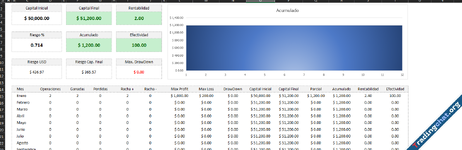
Analyze your strategies and sentiment through the various panels the journal offers. Review the average income per strategy and the profitability they imply.
• All Trades PanelFree version content
• Trade P&L History Panelo Gross P/L
o # of trades
o # of contracts
o % Profitable trades
o % Losing trades
o Fees and Commissions
o Net P/L
o Avg. Trade Time (min)
• Winning VS Losing Trades Panel
• Performance by Day of Week Panel
• Performance by Hour Panel
• Monthly Calendar (Performance)Additional with full version
• Equity Curve Panel
• Trades Stats Panel
• Strategy Profitability Panelo No. Trades long
o No. Trades short
o Number of trades
o Average winning trade
o Average losing trade
• Average Income Per Strategy Panel
• Time Chart (P&L)
• Sentiment Chart (P&L)
• Entries Chart (P&L)
• Exits Chart (P&L)

Attachments